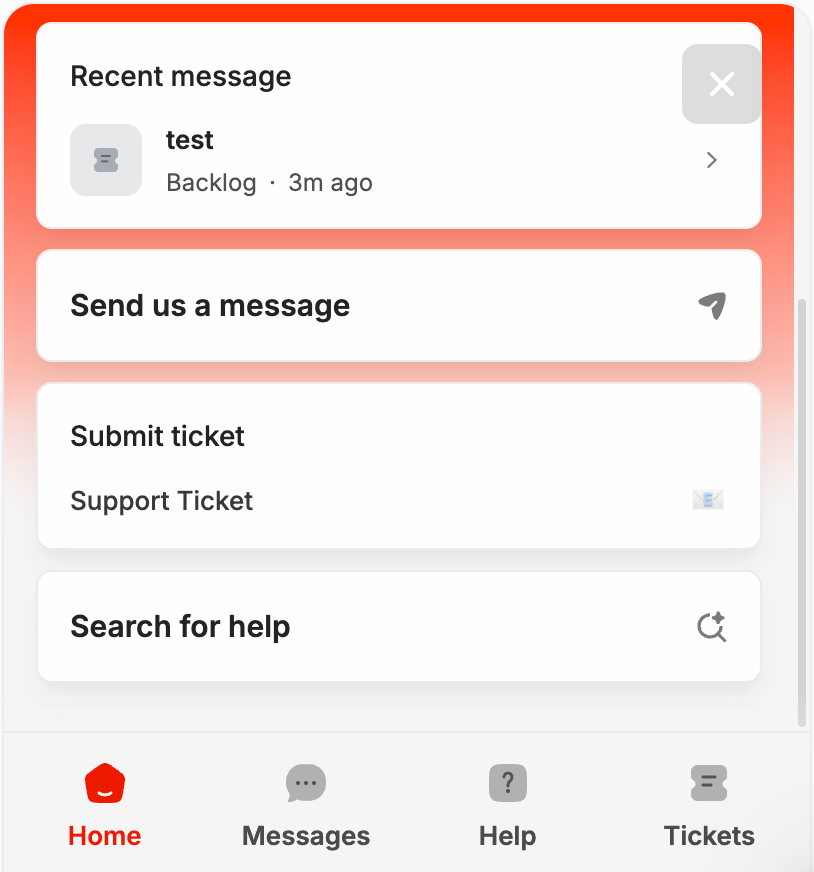
In-app Chat Widget and Ticketing
Speak to our AWARE™ Helper, a helpful human, find the help-center article you needed or submit a ticket without leaving the AWARE™ app
Written By Stephanie van Dee
Last updated 3 months ago
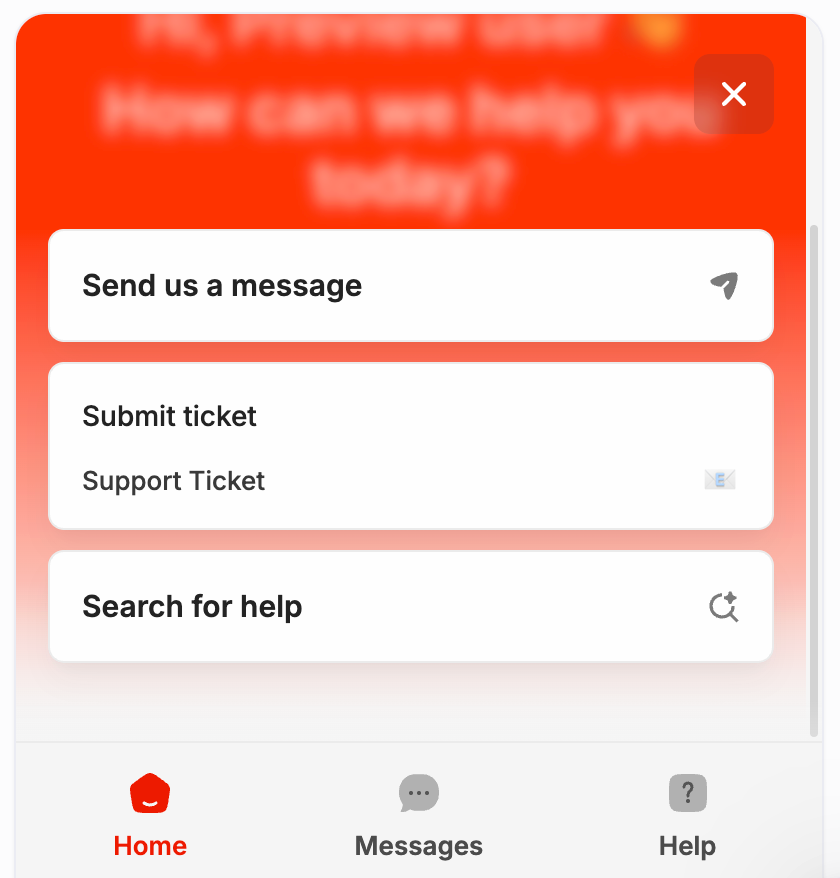
Next to our AWARE™ Hub we also have our in-app support for quick help during your work processes. Our AI-chatbot can help you with most asked questions, but of course our real human team is already ready to jump in whenever you need them, you just have to ask.
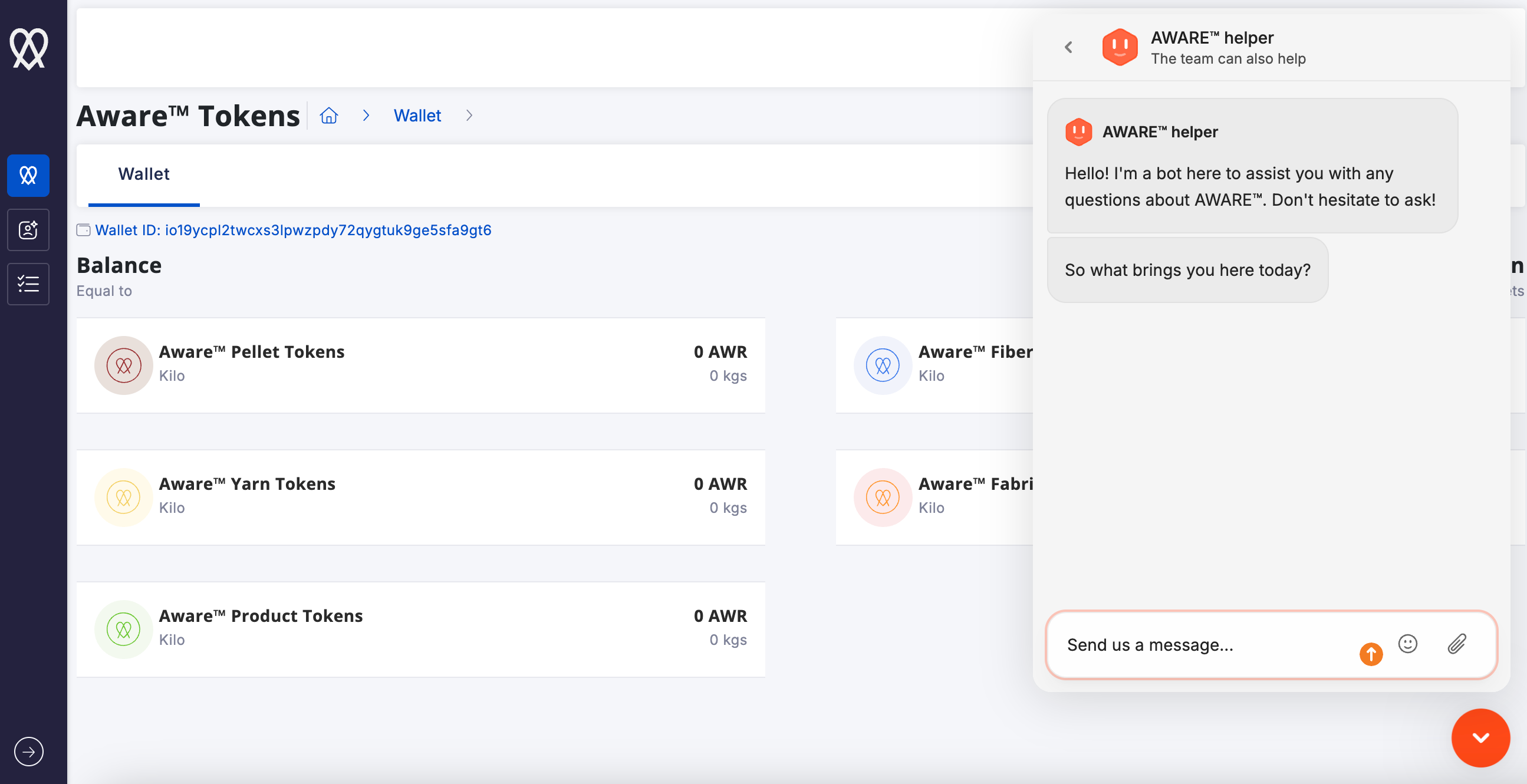
The widget also features an integrated version of our Help Center. Click on the ‘?’ next to ‘Messages’ and type your question into the ‘search for help’ bar.
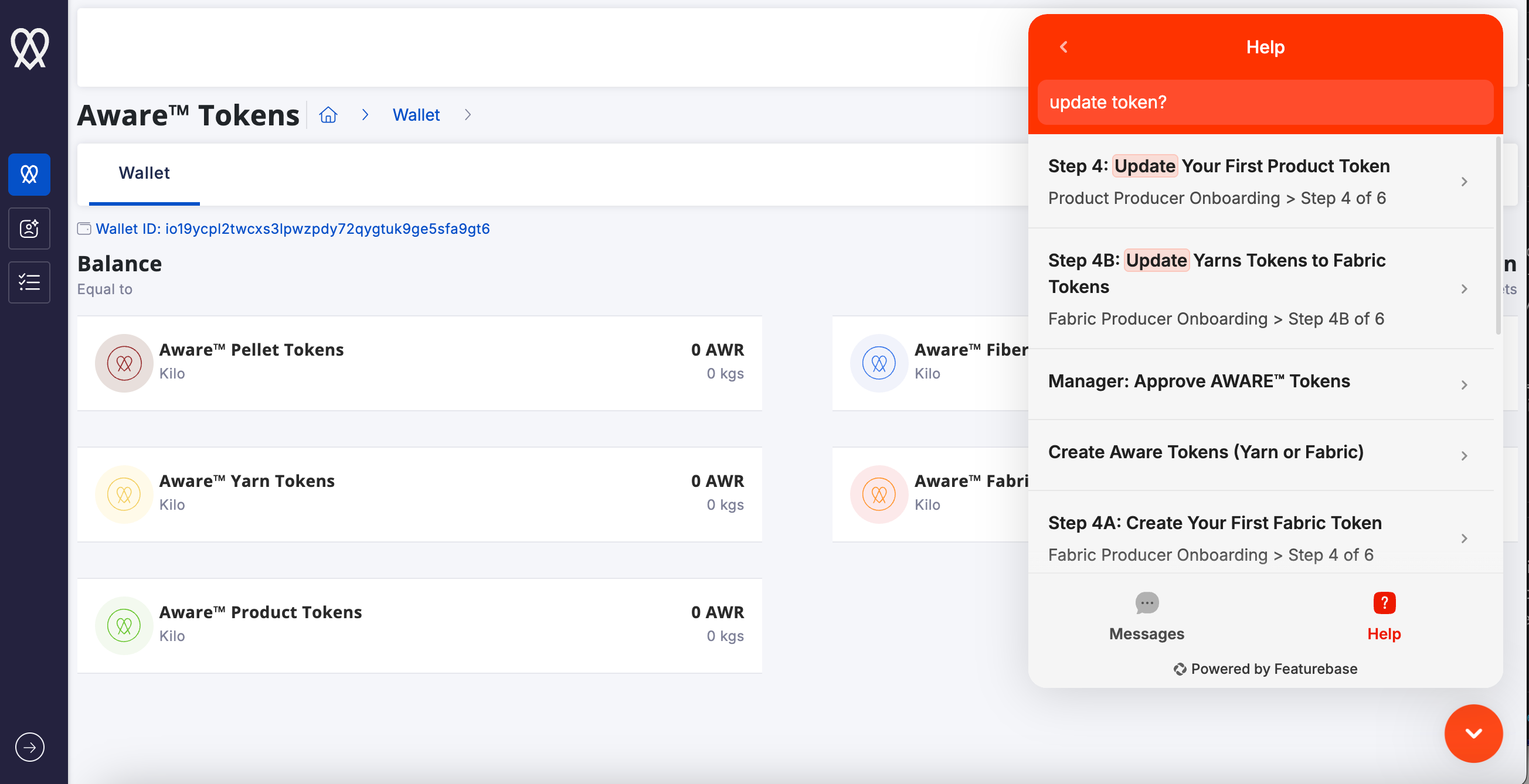
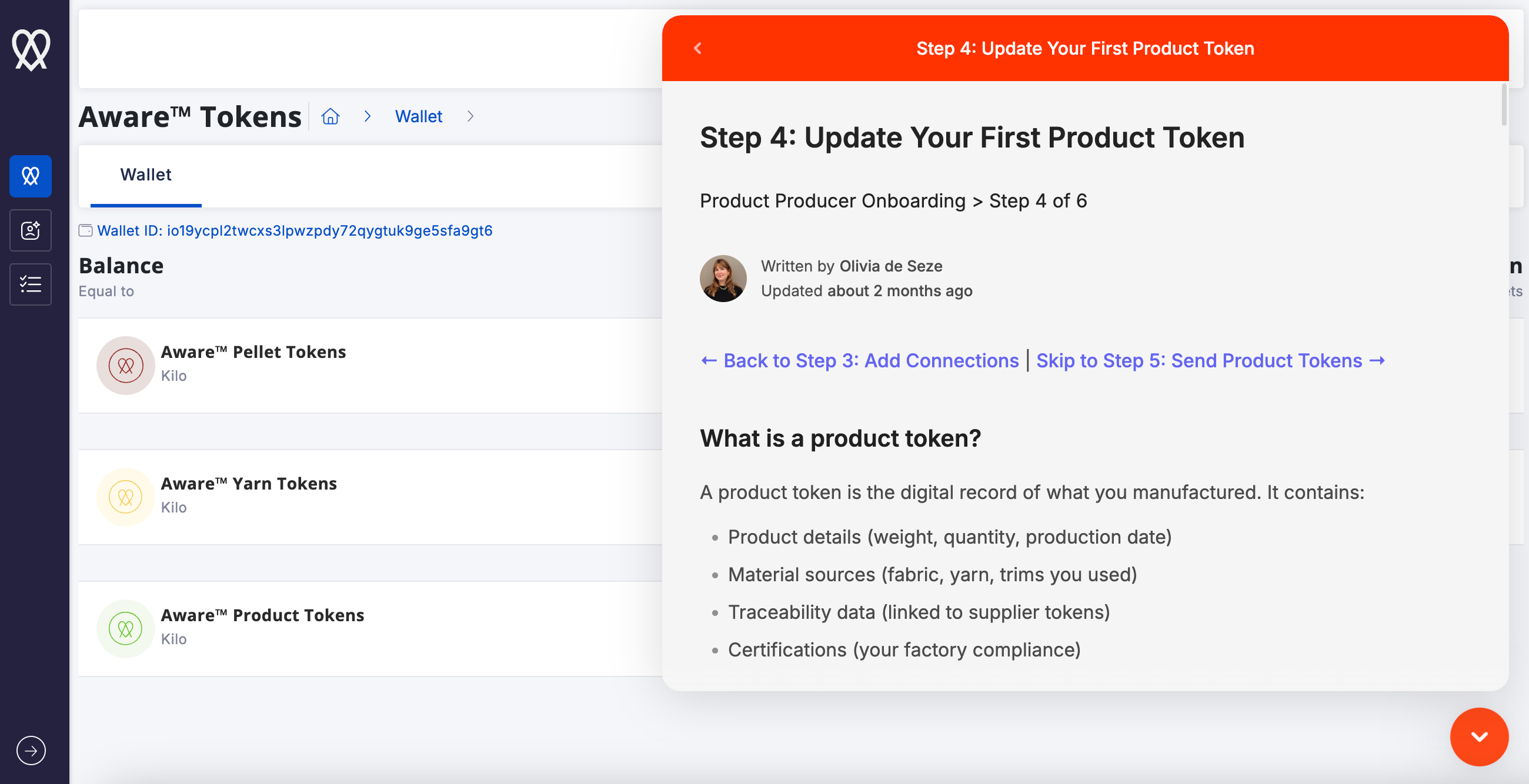
Helpful articles will come up and can be opened for further instructions like the exemple below.
And last but not least, you can submit a support ticket for any needed help or feedback that you will be able to refer to in later contact with us or follow untill its resolved. Click on ‘Submit ticket> support ticket
After submitting the ticket you will see the Ticket Type (support), your ticket ID for our backlog, and other open tickets you might have. After submitting the tickets you can continue the conversation on our chat. You will be notified via the chat-widget and on your email for any updates on your open tickets
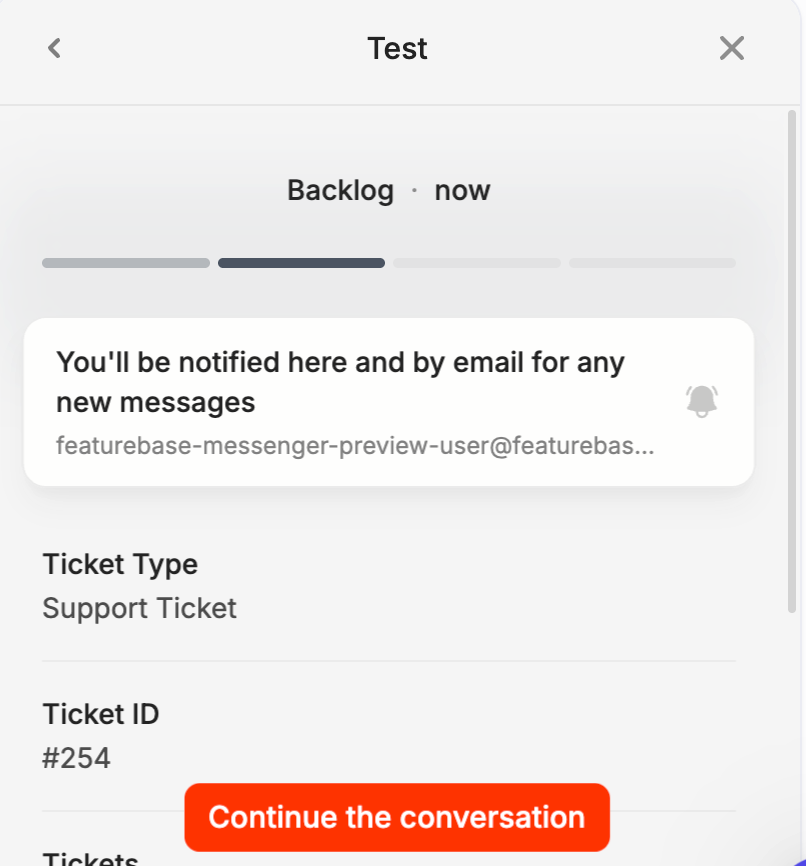
Whenever you re-visit our chat widget, you can also read back your recent messages, scroll to your personal backlog and see the ticket statusses.